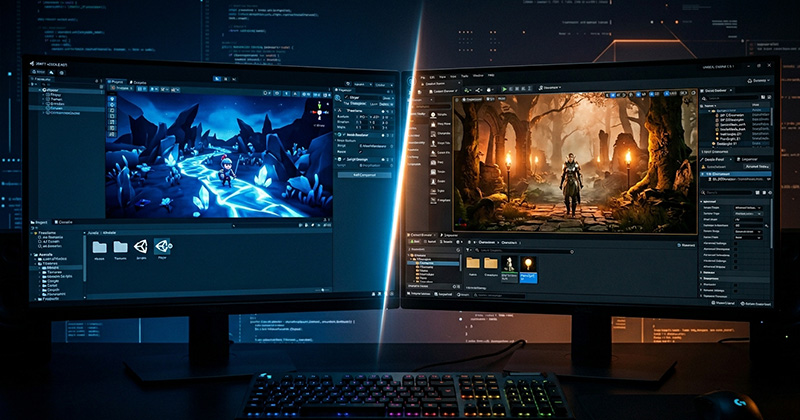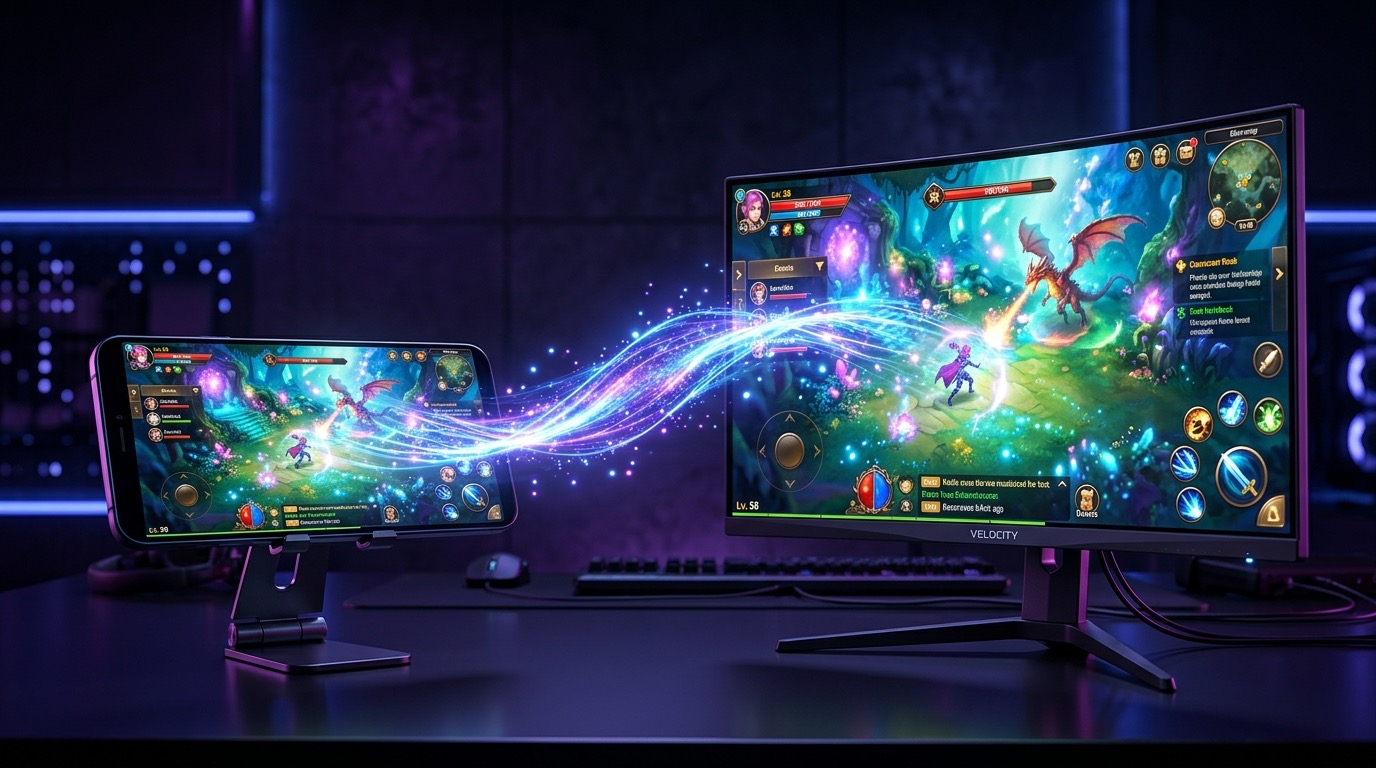
Steam has over 130 million active users and a library of more than 70,000 games. For a mobile developer with a game that has already proven itself, porting to Steam looks like a straightforward way to reach a new audience. It is not straightforward. But it is absolutely worth doing if you approach it correctly.
Why Mobile to PC Is Harder Than It Looks
The assumption most developers make is that because Unity runs on both platforms, porting should be mostly a matter of flipping a build target. This is wrong. Mobile and PC are fundamentally different products. The input model is different. The performance envelope is different. The player expectations are completely different. A port done properly is not a build switch. It is a redesign of the player experience for a different context.
Step 1: Assess Whether Your Game Is a Good Candidate
Not every mobile game translates well to Steam. Games that port successfully tend to share a few traits. They have depth beyond the core loop. They have content that rewards longer sessions. They have a visual style that holds up on a large screen. And they have mechanics that work with keyboard and mouse or a controller.
Hyper-casual games with one-tap mechanics rarely make compelling Steam releases. Puzzle games with strong narrative, strategy games, RPGs, and action games with layered mechanics tend to do much better. Before committing to a port, spend time on Steam looking at comparable games and their review counts.
Step 2: Rebuild the Input System
Touch controls do not map cleanly to keyboard, mouse, or controller. Every action in your game that was designed for a tap or swipe needs to be reconsidered for a different input device. Some actions will need new UI affordances. Others will need to be redesigned entirely.
Controller support is particularly important on Steam. A significant percentage of Steam players use a controller, and games without proper controller support often get called out in reviews. Build it in from the start of the port rather than adding it later.
Step 3: Rework the UI and HUD
Mobile UI is designed for small screens held close to the face. PC UI is viewed from further away, on a screen that is four to six times larger. Elements that looked fine on a 6-inch phone screen can look enormous and clunky on a 27-inch monitor. UI density, font sizes, button sizes, and layout proportions all need to be revisited.
This is also where monetisation UI needs attention. Mobile games built around IAP and ad monetisation cannot simply port those systems to Steam. The PC market expects either a premium price or a free-to-play model with cosmetic purchases. Aggressive mobile monetisation mechanics tend to generate very negative Steam reviews.
Step 4: Performance and Resolution
Mobile games are optimised for thermal management and battery life. PC games are expected to push the hardware harder and support a range of resolutions, aspect ratios, and graphical settings. You will need to add a graphics settings menu with at minimum resolution options, windowed and fullscreen modes, and ideally quality presets.
Also worth checking: your mobile game was probably optimised to run at 60fps on a mid-range phone. On PC with a modern GPU it should comfortably exceed that. Make sure your game logic and physics are not tied to a fixed frame rate.
Step 5: Steam Integration
Steam has its own set of features that players expect to see working. These include Steam Achievements, Steam Cloud saves, Steam Trading Cards (optional but popular), and Big Picture mode support for controller play. Steam Achievements in particular are something players notice and appreciate. A well-designed achievement list can meaningfully extend playtime.
You will also need to set up a Steam store page with screenshots, a trailer, key art, a capsule image, and a written description. The store page is often the thing that makes or breaks a Steam release and it deserves proper attention.
Step 6: Pricing and Launch Strategy
Pricing a mobile port on Steam requires research. Look at comparable games in your genre and match your price to the content depth you are offering. Most casual and mid-core game ports land between £4.99 and £14.99.
Steam’s visibility algorithm rewards games that generate wishlist conversions before launch and positive reviews early after launch. Start building your Steam page and collecting wishlists at least three months before your release date.
We Have Done This Before
Nine Pixels handles game porting across Steam, Nintendo Switch, WebGL, and console platforms. If you have a mobile game that is performing well and you want to explore what a Steam version would involve, book a call with us. We will give you an honest assessment of the work involved and what it would cost.